Discord Account Sync
What account linking gives you
Linking your game account to our Discord server connects the two identities. Once linked you receive a verified member role, your Discord nickname is kept in sync with your character, and you become eligible for the one-time verification reward as well as the ongoing Discord level rewards.
Everything is handled from apexmu.gg/discord-sync.
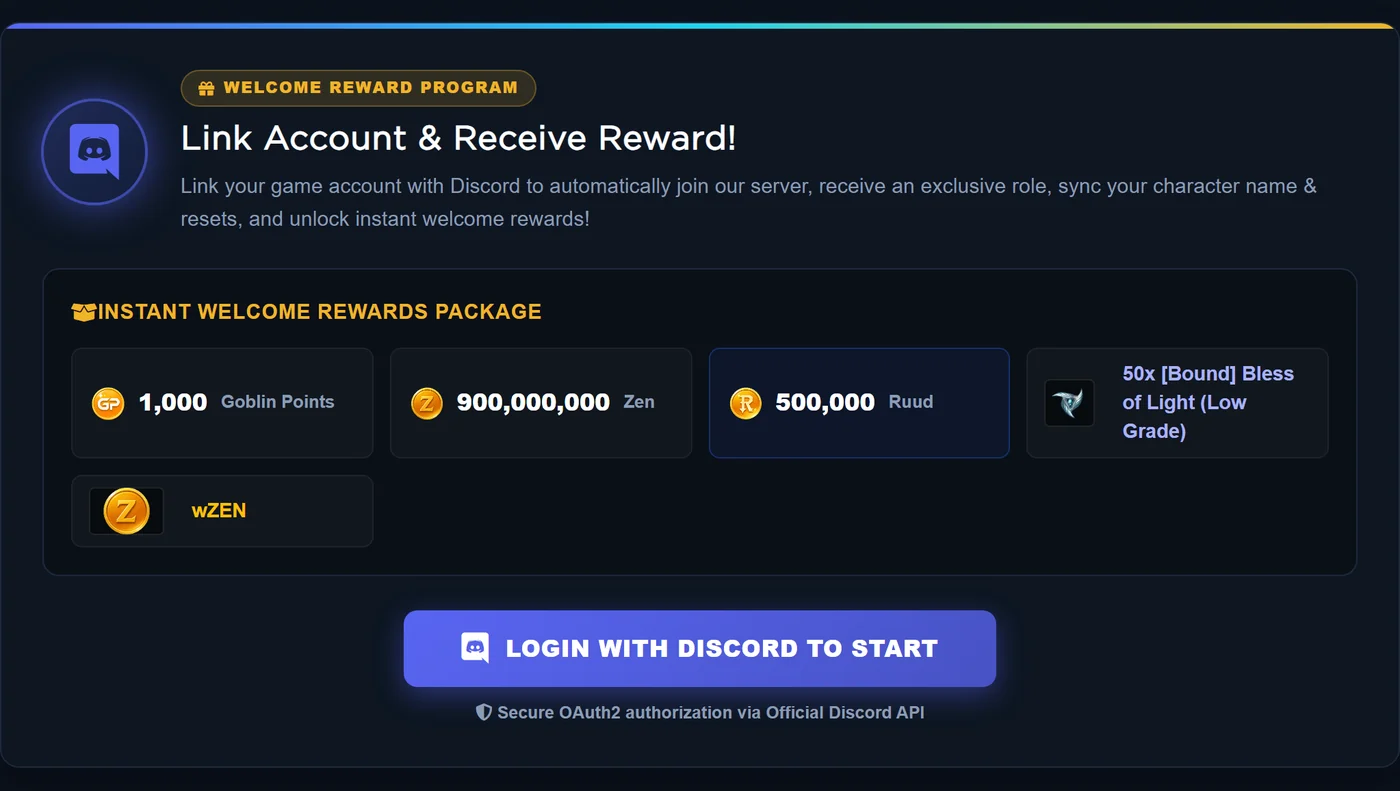
The Discord Sync page: the welcome package on offer and the Login with Discord button that starts the OAuth2 authorisation.
Step by step
- Log into your website account, then open Discord Sync from the Account Panel.
- Press Login with Discord. Discord asks you to authorise the application - accept it. You are returned to the same page afterwards.
- Choose the character you want to represent you on Discord.
- Choose one of the four nickname formats:
- Character | Lv.Level | Rs.Resets
- [Guild] Character | Lv.Level | Rs.Resets
- Character | Lv.Level
- [Guild] Character | Lv.Level
- Press Link Account. The bot then joins you to the Discord server if you are not a member yet, renames you to the chosen format and assigns the verified role.
If the bot reports that it could not change your nickname or roles, the usual cause is that your Discord role sits above the bot's role, or that you left the server after linking. Re-linking from the same page fixes it.
Claiming the verification reward
The reward is not handed out on the website. After your account is linked, go to the verification channel on our Discord server and press the Claim Reward button on the pinned verification message.
| Verification reward | Amount |
|---|---|
| Goblin Points | 1,000 |
| Zen | 900,000,000 |
| Ruud | 500,000 |
| [Bound] Bless of Light (Low Grade) | 50 |
- There is currently no minimum Level or Reset requirement - any linked account can claim.
- The reward can be claimed once per account.
- Items and currencies land in your Rewards Storage. Open it and deliver them to the character of your choice.
Managing the link
- Re-run the link at any time to switch the character shown in your nickname.
- Your Discord avatar is displayed on your website Account Panel once linked.
- Unlink is available on the same page. Unlinking removes the connection but does not take back rewards you already claimed - you simply stop receiving new ones until you link again.
- One Discord account can only be linked to one game account at a time.